
CONNECT Charge
Find charging stations, charge conveniently, and pay securely

Charge & pay with CONNECT Charge
As an experienced e-mobility project developer, we understand what makes for a great charging experience. With the free CONNECT Charge app by GP JOULE CONNECT, you get everything you need—from easy station search and intuitive charging session management to flexible payment and secure billing.
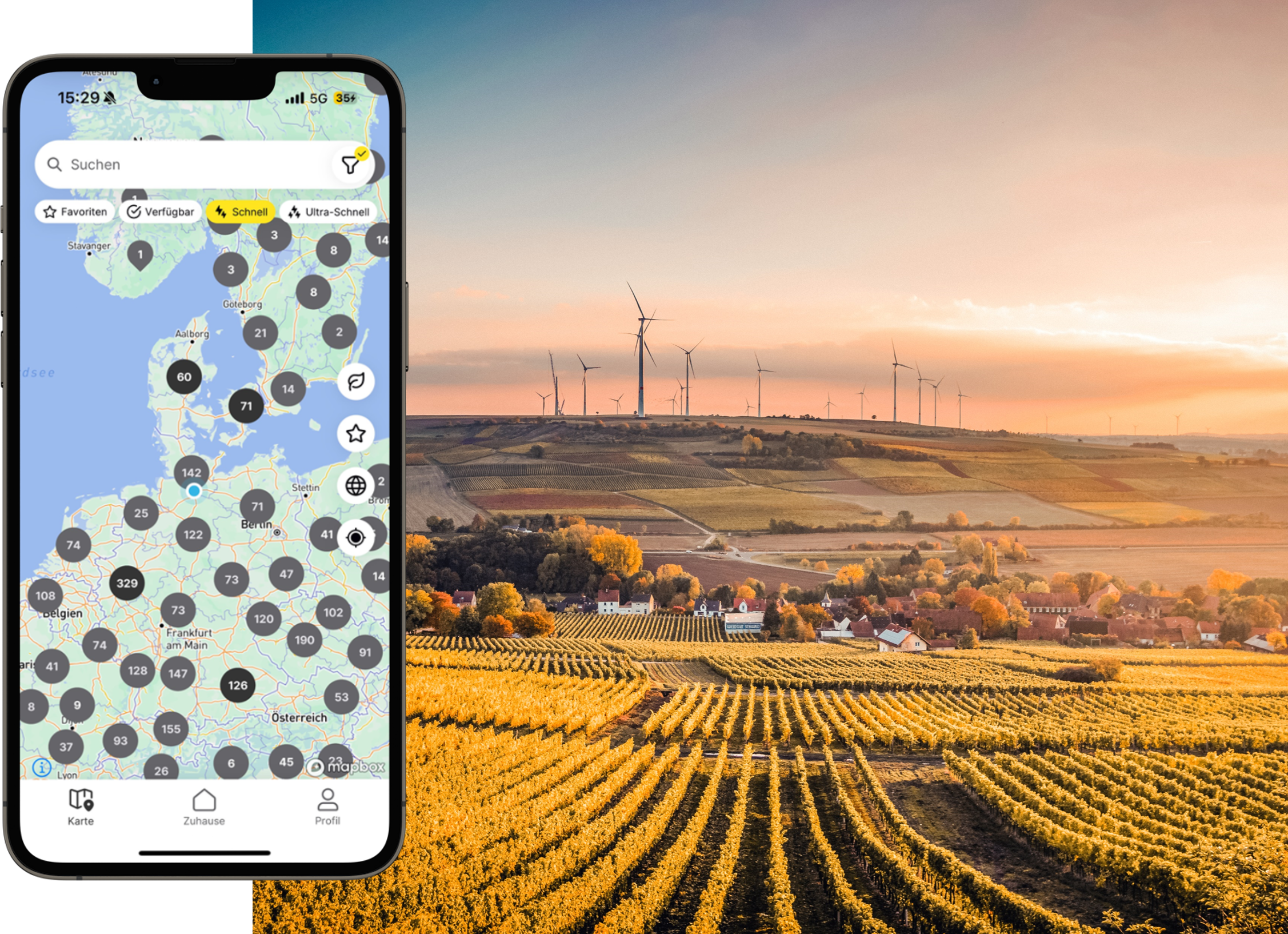
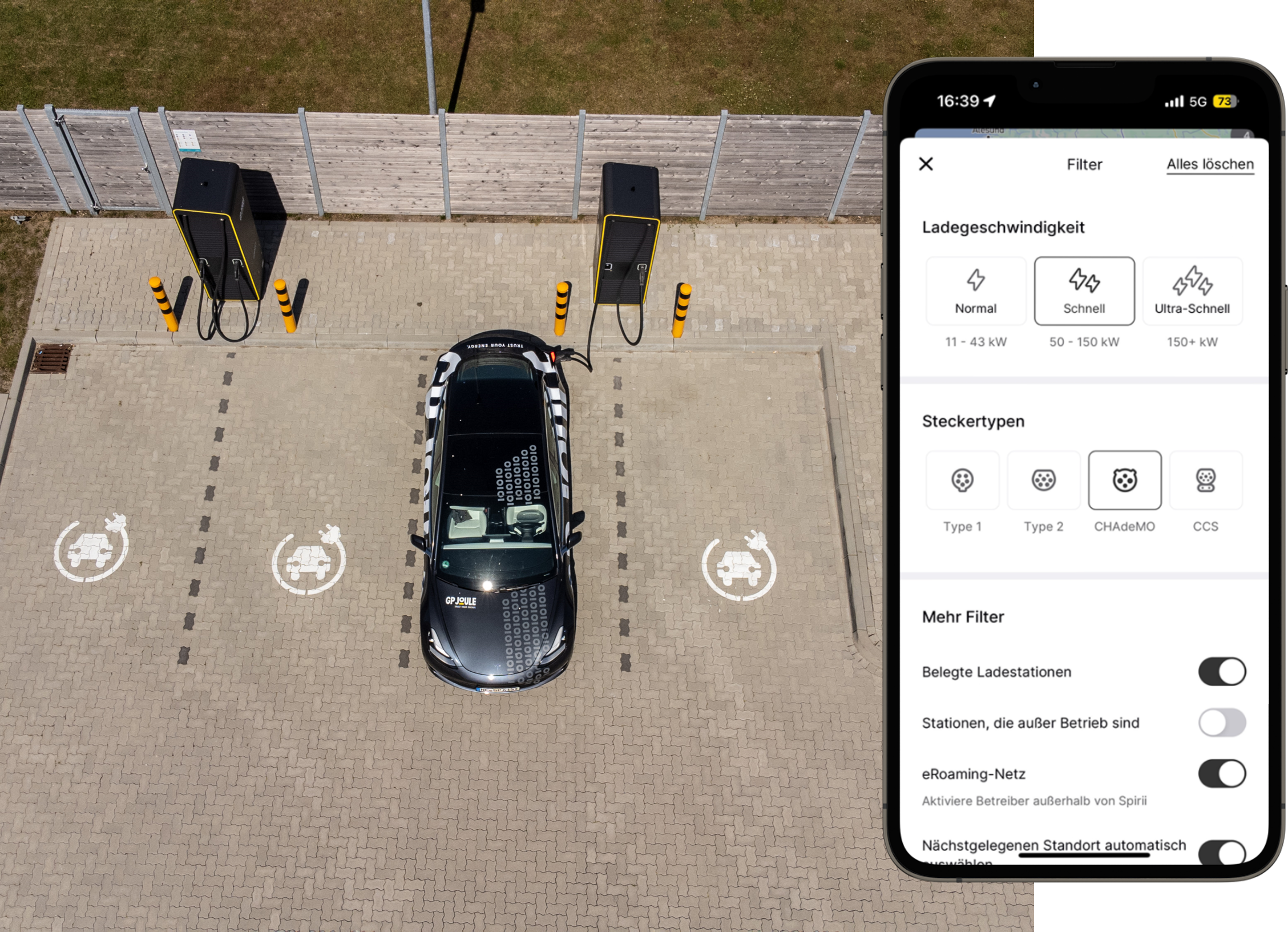
Find available charging stations near you and charge your electric vehicle in no time. Use convenient filter options to find the right station and get navigated directly to it. Our app offers maximum flexibility with a variety of payment options, digital receipts, and many other useful features for a smooth and secure charging experience.

Scan the QR code or click the links below to download the CONNECT Charge app.

Create an account in the app by entering your email or choosing another sign-in option, such as your phone number or Apple ID.
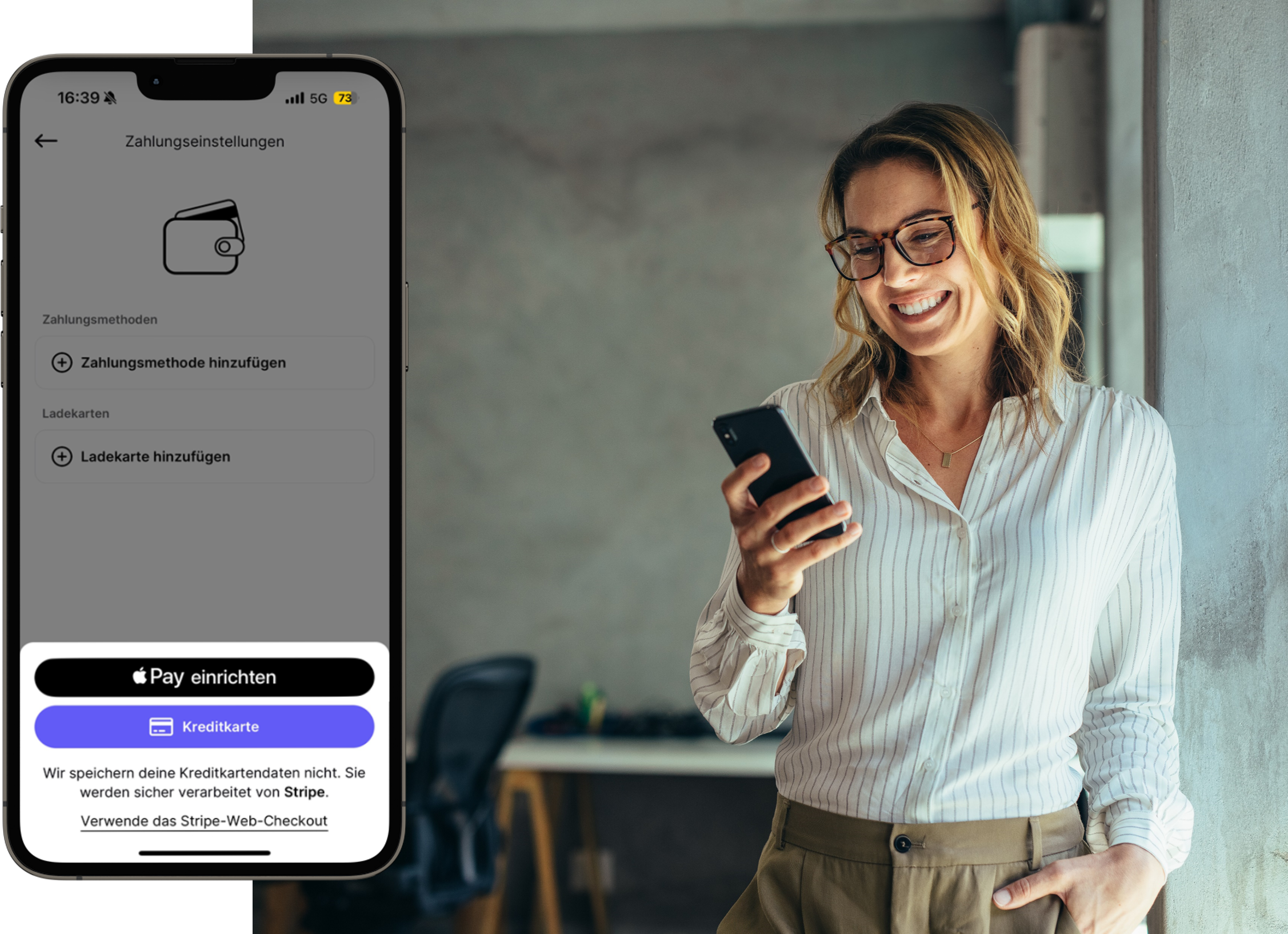
Select the "Profile" tab in the app. Under "Payment methods", click "Add payment method" and enter your preferred payment option.
You're all set to start charging with the app.
Want your brand or company to stand out? No problem! You can turn the CONNECT Charge app into your own product. With our turnkey white-label solution, you, your employees, and your customers can benefit from the app's useful features, all while reflecting your company's or brand's design.
Feel free to contact us if you're interested.

No, downloading the app and registering is completely free for you. You only pay for the charging sessions you make using the app.
With CONNECT Charge, you pay per charging session. The exact costs are displayed in the app before you start charging. Prices may vary depending on the charging point and consist of a price per kWh, along with a possible start fee and/or idle fee. Once your charging session is complete, you'll receive a digital receipt in the app that provides a detailed breakdown of the individual cost components. Our transparent pricing model ensures you always know exactly what you're paying for, with full cost transparency.
You can easily and conveniently pay for your charging sessions using your preferred payment method directly in the app. Several options are available, including credit cards, Google Pay and Apple Pay. Make sure these services are activated on your phone and a valid card is linked for billing. This allows you to pay flexibly and securely according to your preferences.
You can redeem your voucher directly in the app by following these steps:
1. Open the CONNECT Charge App.
2. Click on “Profile” in the bottom right corner.
3. Under “Payment and billing”, click on “Vouchers”.
4. Enter the voucher code in the available voucher field and click “Redeem voucher”.
5. The voucher will now be listed under “Claimed Vouchers”.
6. The voucher will be automatically applied to your next charging session and remains valid until it expires or is removed from the app.
Deleting your user account will permanently remove all your personal data, including your name, email address, and/or phone number. Transaction data like logs, billing history, and purchase history will be anonymized so they can no longer be identified as personal data.
To delete your account and anonymize the related data in the app, follow these steps:
1. Open the CONNECT Charge app.
2. Click on “Profile” in the bottom right corner.
3. Click on your account name at the top of the menu screen.
4. Scroll to the bottom of the screen and select “Delete account”. A confirmation window will appear.
5. Confirm by clicking “Ok” to complete the process.